

Help using Equibusiness
Equibusiness has an advance keyword search (above) as well as a listing of all the individual business categories called the Detail search. You may find you have to try more than one search to find the results you are looking for.
- Basic listing search
- Detailed listing search
- Common problems
- Using keywords to narrow your search
- Useful tips
There are two main options to performing a search:
1. Basic listing search
The standard search is what you see at the top of this page. To use it is very easy, just use the three steps below:
- Search for - box, type in what the company name, individuals name
or type of business you are looking for, e.g. 'stable matting', 'horse
dentists'.
Note - to place spaces between words if using more than one eg. "rubber stable matting"
- Location - down box select either ALL counties to show every result in the UK and Worldwide (as some companies have listings for offices nationwide) or select a specific county.
- Search - Click on the 'Search' button to display the results.
2. View all Categories Search
The detail search can be viewed by clicking on the Detail search button at the top of this page. It is a complete listing of all the main categories that Equibusiness lists all companies/individuals under, enabling you to choose the category/categories that you wish to search for information in :
- Location - Select either ALL counties to show every result in the UK and Worldwide or select a specific county.
- Category - Select one or more categories that you wish to search under by ticking the boxes next to each relevant category..
- Search - Click on the 'GO' button to display the search results or click on 'refresh' to reset the page and perform a new search.
Common Problems
Follow the tips below to ensure the best possible search results:
- Check your spelling.
- Try an alternative business type name.
- Reduce your business type name to the first 3 letters.
- Expand your search area from a County to All.
- Put spaces between search words when using more than one.
- Go to the detailed business search to view all available business categories.
Using keywords in a search
Keywords enable you to find the type of business your are looking for much more easily. Each company listed on Equibusiness has 10 keywords, which they have chosen to reflect the type of business and services they offer.
For example 'Horse Shoe Animal Suppliers' are listed under the 'feed and bed' category but their keywords are :Feed & Bed, Accessories, Horse Feeds, Pets, First Aid, Supplements.
Useful search tips
If you're not sure what type of business you're looking for, try using a related word, e.g. you can find 'stable, matting' companies by typing 'matting', or 'stable' a seperate searches.
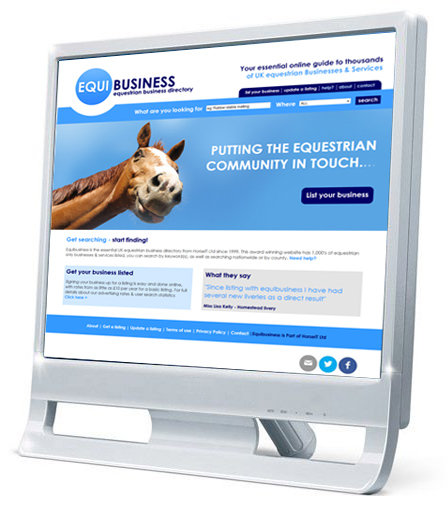
Get your business listed
Signing your business up for a listing is easy and done online, with rates from as little as £10 per year for a basic listing. For full details about our advertising rates & user search statistics.
List your businessWhat they say
"Since listing with equibusiness I have had several new liveries as a direct result"
Miss Lisa Kelly - Homestead livery